As technology shapes education and the modern workforce, many parents ask an important question: what are the best coding languages for kids and how should children start learning?
Teaching kids to code helps them build valuable skills that go far beyond technology. For example, programming strengthens logical thinking, creativity, and problem-solving—skills that help in science, engineering, and math. Also, parents who want to see how coding fits into modern education can read about post-pandemic homeschooling or how digital skills are becoming part of everyday learning.
However, choosing the right language depends on your child’s age, learning style, and experience. When you introduce coding in an age-appropriate way, children stay excited and motivated.
Why Coding Is a Must-Have Skill for Children
Coding is now a core part of digital literacy. It helps children understand how world-changing technology works and teaches them to solve complex problems step-by-step.
When children learn to code, they gain the ability to:
-
Break big problems into smaller, manageable steps
-
Spot patterns and logical sequences
-
Test their own ideas and improve them through trial and error
-
Most importantly, they learn to keep trying until they solve a challenge
Educators call these skills computational thinking, and they are vital in modern schools. In addition, learning to code early builds a child’s confidence and might spark an interest in software, robotics, game design, or AI.
Top Coding Languages for Kids by Age Group
No single language fits every child. Instead, the best choice depends on where they are in their learning journey. Starting with the right tools keeps them interested while they build real skills.
Ages 5–7: Visual Fun with Scratch
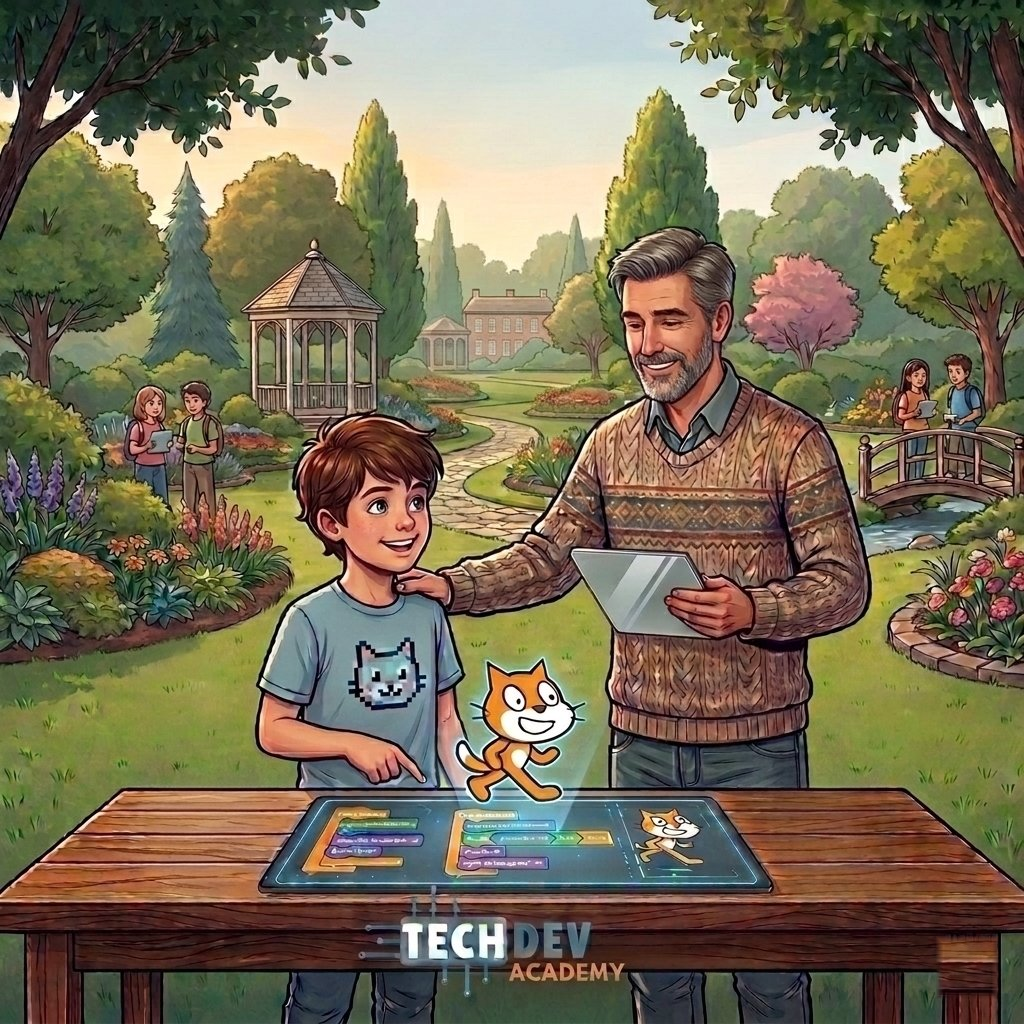
For younger children, visual platforms offer the easiest start. Specifically, MIT developed Scratch and ScratchJr to let kids create animations, games, and stories. Instead of typing code, they drag and drop colorful blocks. This helps them understand:
-
Basic sequences
-
Loops (repeating actions)
-
Cause-and-effect
Because these tools are visual, kids can focus on logic and fun without worrying about complicated typing rules.
Ages 8–12: Moving to Python and JavaScript
As kids grow, they can move from blocks to real text-based coding. Most experts recommend Python for beginners because its rules are simple and easy to read. Kids use Python to:
-
Build simple games
-
Automate small tasks
-
Learn how computer science works
Alternatively, JavaScript is a great pick for kids who want to build websites. Many children also discover coding through games like Minecraft or Roblox. If your child loves gaming, check out our guide on how kids can become game developers.
Teens (13+): Real-World Programming
Teenagers ready for a challenge can explore the same languages professional developers use:
-
Java – used for mobile apps and big business software.
-
C++ – used for high-end game development and robotics.
-
HTML and CSS – the building blocks of every website on the internet.
Working with these tools lets students build complex projects and understand exactly how the digital world works.
Quick Comparison of Coding Languages for Kids
| Language | Recommended Age | Best For | Difficulty |
| Scratch | 5–10 | Games & Animations | Very Easy |
| Python | 10–14 | Beginner Programming | Medium |
| JavaScript | 12+ | Web Development | Medium |
| C++ | 15+ | Game Development | Advanced |
Scratch or Python: Where Should You Start?
Parents often wonder: should we start with Scratch or go straight to Python?
Scratch offers a playful environment where kids learn logic without making errors. On the other hand, Python introduces real-world coding used in AI and data science. For most kids, the best path is a gradual one:
-
Start with visual blocks (Scratch) to build confidence.
-
Then, transition to Python once they understand the basic logic.
Choosing the Right Path for Your Child
The best language isn’t necessarily the most popular one—it’s the one that matches your child’s interests. While younger kids thrive with visual play, older students enjoy the power of text-based code.
With a little encouragement, coding becomes a natural part of a child’s curiosity. Ultimately, whether they are making a simple cat move or designing a website, they are building a foundation for a successful future.